
Create Professional Invoices in Seconds
Generate polished, accurate invoices that get you paid faster — directly from the platform you already use to manage your work and finances.
Create & Customize Invoices
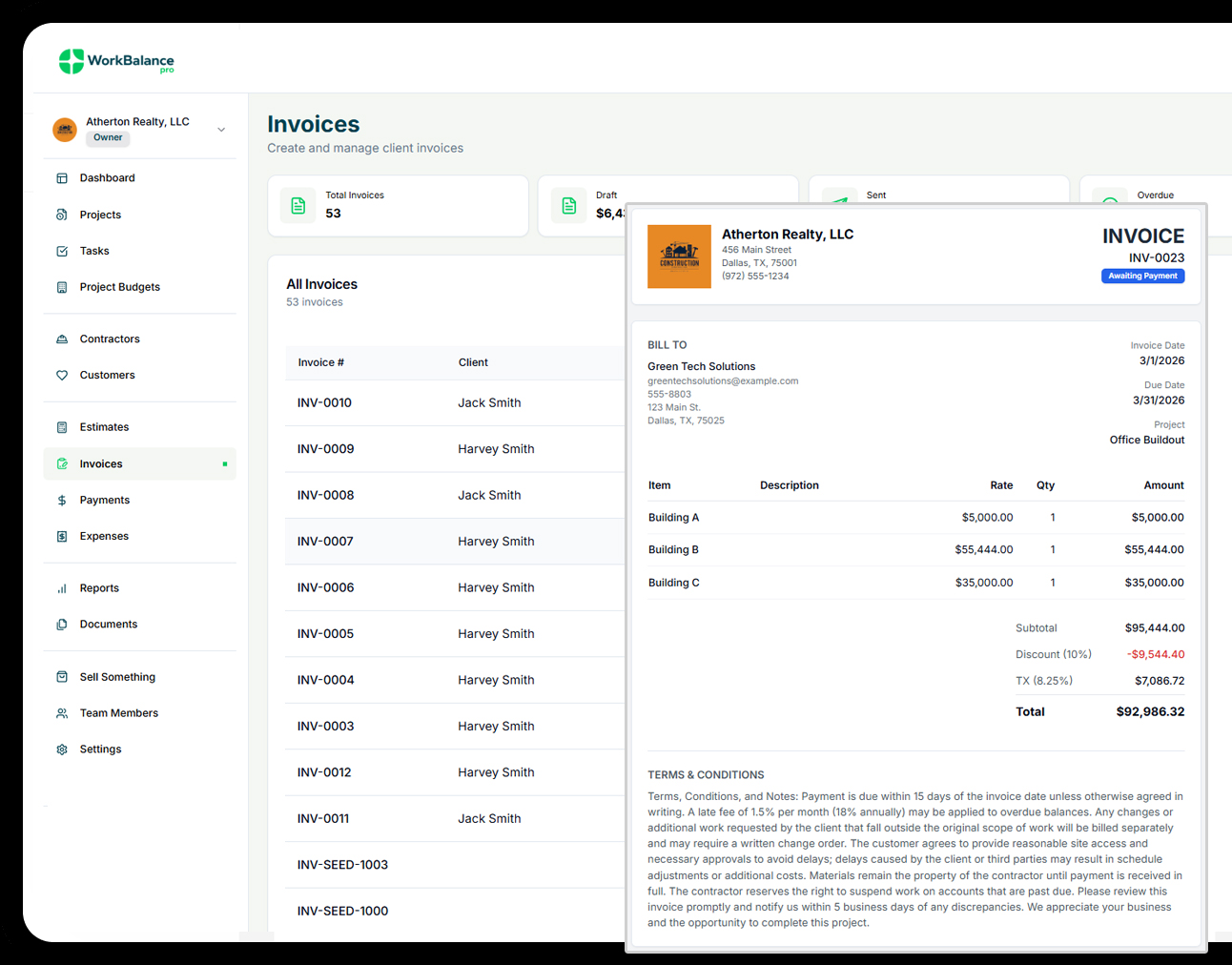
Create and customize professional invoices effortlessly
Build clean, professional invoices using flexible templates that reflect your brand and automatically pull accurate data from your projects and budgets.
-
Create professional invoices with custom branding and logos
-
Generate invoices as PDFs or shareable links
-
Generate invoices as PDFs or shareable links
Send, Track & Get Paid
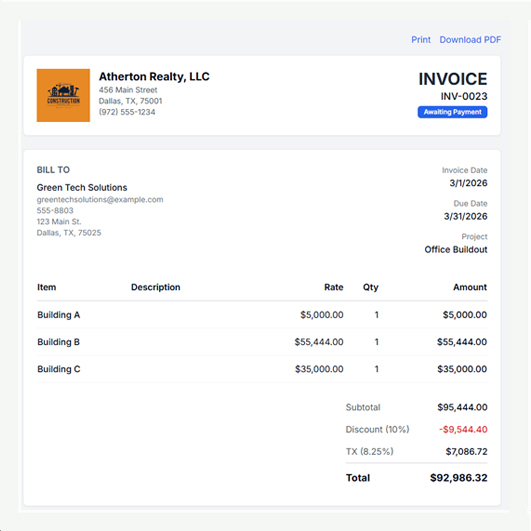
Get paid faster without chasing clients
Send invoices by email or link, track when clients view them, and accept online payments so you can speed up cash flow with less manual follow-up.
-
Email invoices directly to clients with payment links
-
Accept credit card and bank payments online
-
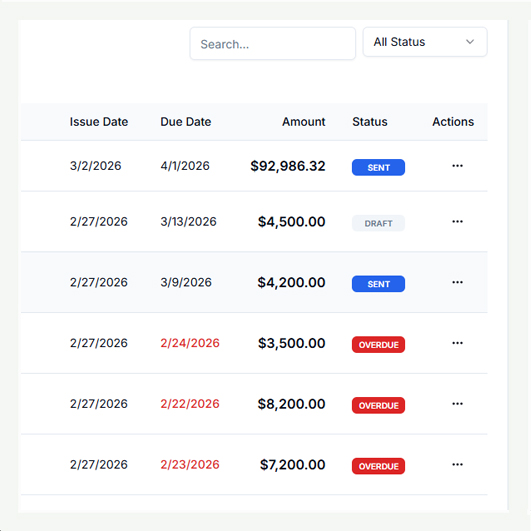
Track paid, unpaid, and overdue invoices in real time
Automate Billing & Reporting
Automate your billing from estimate to payment real time
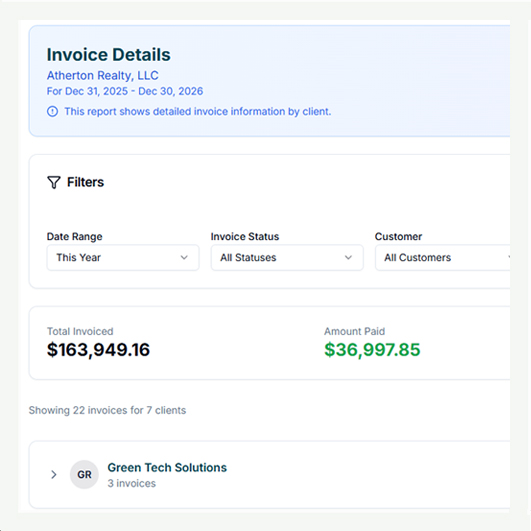
Turn approved estimates into invoices, automate reminders, and keep your financial records accurate with built-in reporting and exports.
-
Convert estimates into invoices with one click
-
Schedule reminders and late notices automatically
-
Generate invoice and revenue reports for accounting
Frequently Asked Questions
Got a question?
Get your answer
Quick answers to questions you may have. Can't find what you're looking for? Check out our full documentation.
You can create an invoice by selecting a client, adding line items, and setting the invoice date and due date. Invoices can be sent by email directly from the app or shared using a secure link. You can also download a PDF version to send manually if needed.
Draft: The invoice is still being created and has not been sent to the client.
Sent: The invoice has been delivered to the client but has not been paid yet.
Paid: Payment has been received and recorded.
Overdue: The due date has passed and the invoice has not been paid.
These statuses help you quickly see what needs attention.
Yes. Clients can pay invoices online using the secure payment link included with the invoice. Supported payment methods include credit cards and bank transfers, making it easy for clients to pay quickly and securely.
If a client pays outside the system (cash, check, or external transfer), you can manually record the payment by marking the invoice as paid and entering the payment method and date. This keeps your records accurate and your reports up to date.
An invoice may become inaccessible if it has been deleted, archived, or the client record was removed. You can restore access by resending the invoice or generating a new invoice link from the invoice details screen.
Yes. You can customize invoices with your business name, logo, contact details, payment terms, notes to the client, and optional attachments. This ensures your invoices look professional and match your brand.
READY TO ELEVATE YOUR GAME?
Get Started for Free Today
Feel the ease of managing projects & jobs, the power of tracking expenses, and the impact of seeing profit in real time. Start your journey today!