
Organize Work Visually — Move Projects Forward Faster
Plan, track, and complete work using an intuitive drag-and-drop task board. Keep teams aligned, manage priorities, and see project progress instantly — whether you’re in the office or in the field.
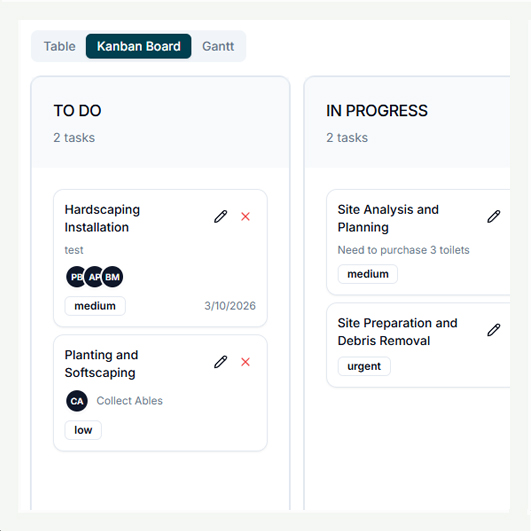
Visual Workflow Management
Stay organized at a glance
Manage tasks using an easy drag-and-drop board that shows exactly what’s planned, in progress, or completed. Replace scattered to-do lists with a clear workflow your entire team can follow.
-
Drag and drop tasks between workflow stages
-
Track task status from blocked to done
-
Track project progress visually in real time
Collaborate Around Every Task
Keep teams connected without endless messages
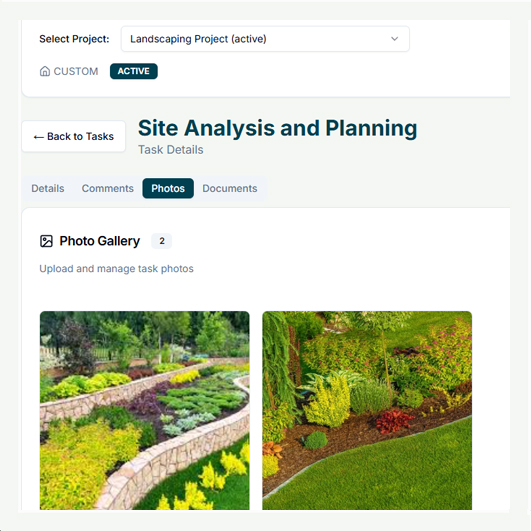
Every task becomes a shared workspace where teams can assign work, upload documents, add notes, and track updates. Everyone stays informed without chasing emails or separate chat threads.
-
Assign tasks to team members or contractors
-
Attach documents, photos, and comments directly to tasks
-
Track activity history and responsibility clearly
From Tasks to Project Success
Turn daily work into measurable progress
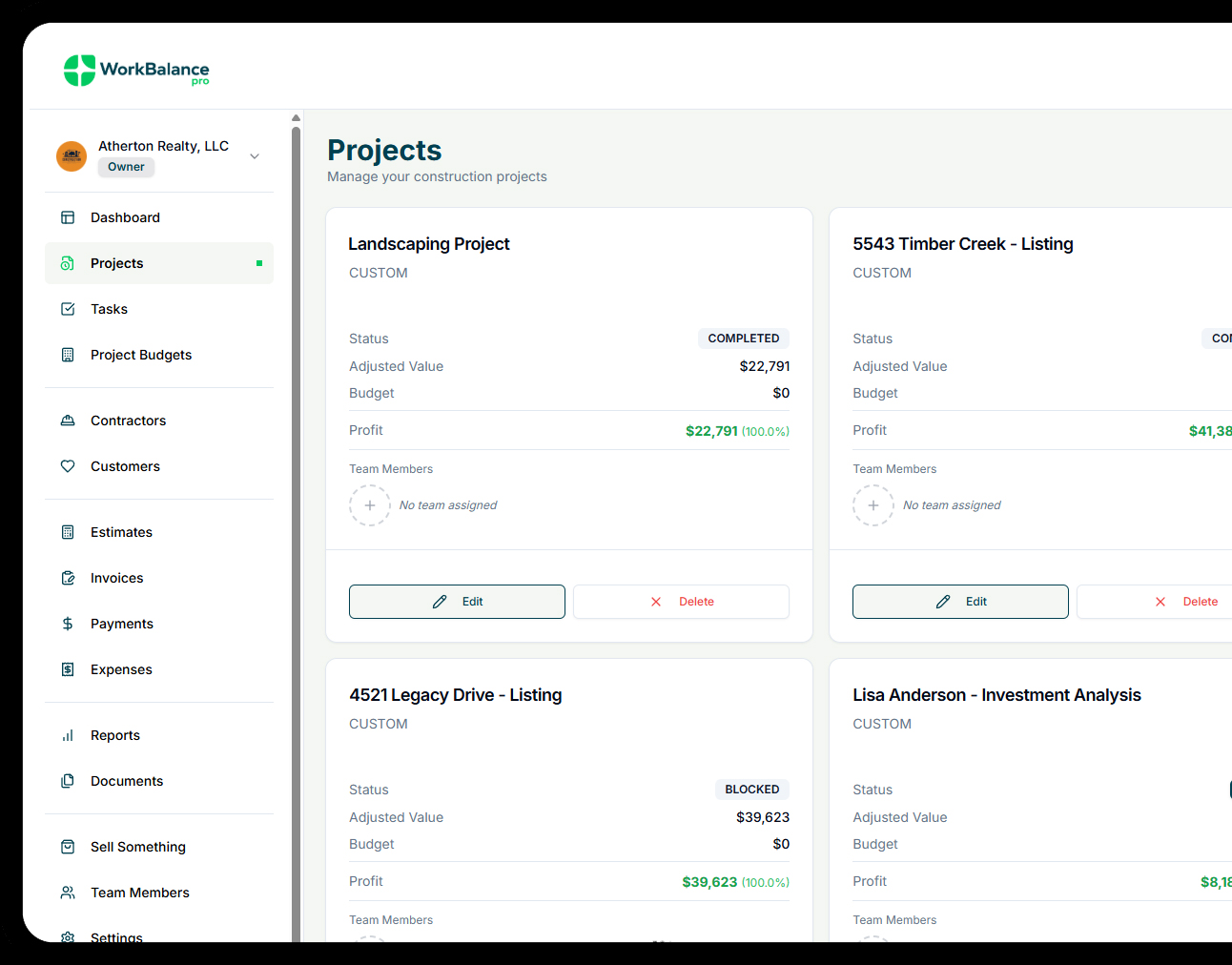
Connect tasks directly to projects, budgets, and timelines so work stays aligned with outcomes. Monitor deadlines, identify bottlenecks early, and keep projects moving toward completion.
-
Link tasks to projects and milestones automatically
-
Monitor deadlines and overdue work easily
-
Improve accountability with status tracking and reporting
Frequently Asked Questions
Got a question?
Get your answer
Quick answers to questions you may have. Can't find what you're looking for? Check out our full documentation.
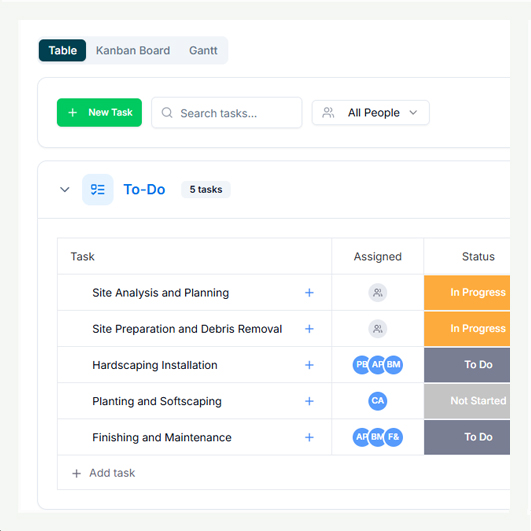
Yes. You can create and customize columns to match your business workflow, whether it’s project planning, job scheduling, approvals, or daily operations. Kanban or Table view.
Yes. Task boards allow you to view progress within a single project or across multiple projects at once. You can quickly identify bottlenecks, overdue work, and upcoming deadlines so teams stay aligned and projects stay on schedule.
Yes. Tasks can be assigned to internal team members or external vendors with role-based permissions so responsibilities stay clear.
Yes. Upload documents, receipts, photos, or notes directly to tasks so important information stays connected to the work being done.
Task boards connect directly to projects and timelines, allowing managers to track progress, identify delays, and keep work moving forward efficiently.
Yes. Tasks include due dates and status tracking so you can quickly see overdue work, upcoming deadlines, and workload priorities across projects.
READY TO ELEVATE YOUR GAME?
Get Started for Free Today
Feel the ease of managing projects & jobs, the power of tracking expenses, and the impact of seeing profit in real time. Start your journey today!